W-9 Form Explained: What It Is, Who Needs It, and How to Fill It Out
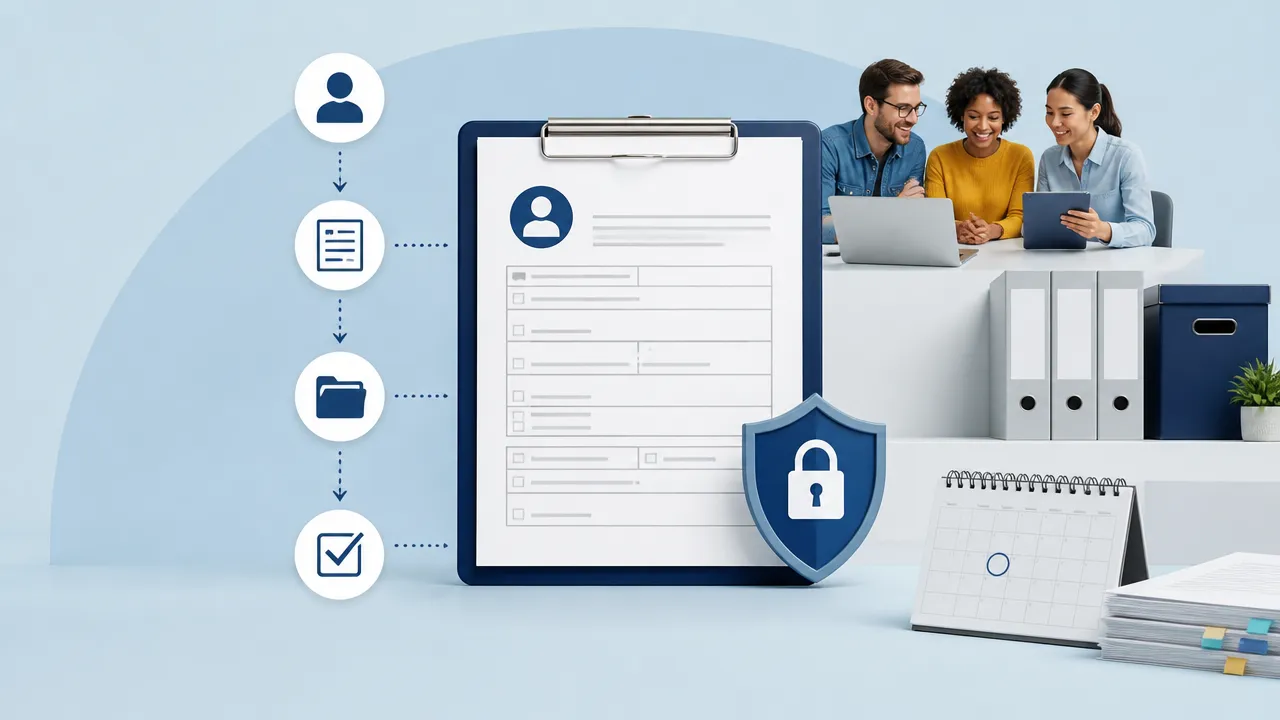
The W-9 form is IRS Form W-9, Request for Taxpayer Identification Number (TIN) and Certification. It's the document you use to collect and verify a contractor's or vendor's legal name, address, and taxpayer ID so you can report payments accurately at tax time. The current version is Rev. March 2024, and there's no separate 2026 edition to worry about.
Most guides treat the W-9 as a year-end tax chore. For small teams, it's really an onboarding problem: you need to collect it, store it securely, and know which contractors are still missing one. This guide covers both — the tax basics and the HR workflow that keeps you out of the December scramble.
What Is a W-9 Form?
A W-9 form is an IRS document used to request and certify a person's or business's taxpayer identification information for accurate reporting. In plain terms, it captures three things: who the payee is, where they are, and their TIN — either a Social Security Number (SSN) or an Employer Identification Number (EIN).
You don't file the W-9 with the IRS. Instead, the business requesting it keeps the form on file and uses the information to complete other filings, most commonly a Form 1099. The person or entity being paid fills it out; the business paying them requests it. For a deeper walkthrough, see our full guide on what the W-9 form is and who needs it.
According to accounting firm Eide Bailly, a properly collected W-9 protects your business from reporting risks, IRS penalties, and delayed vendor payments. That's the whole point of the form: it removes guesswork from information reporting.
The version in use today is Form W-9 (Rev. March 2024). When you download it from the IRS, that revision date appears in the top-left corner. That's the one to use.
What Is the W-9 Form Used For?
The W-9 exists to gather the information you need to file a Form 1099 for the people and businesses you pay. When you engage a contractor, freelancer, or vendor, you need their certified TIN before you can report what you paid them.
The trigger is the $600 threshold. Any independent contractor, freelancer, or vendor you pay $600 or more in a calendar year will need to have a W-9 on file so you can issue them a 1099. Below that, reporting generally isn't required, but collecting the form early is still smart practice.
Beyond contractor payments, W-9s are also used to report other types of income, including:
- Interest and dividend payments
- Certain real estate transactions
- Cancellation of debt
- Barter exchange income
Why is someone asking me for a W-9? If a client or company sends you one, it usually means they've paid you (or expect to pay you) enough that they're required to report it to the IRS. It's a routine request — not a red flag. They need your certified TIN to file their own paperwork correctly.
Who Needs to Fill Out a W-9?
The W-9 is completed by the party receiving payment, not the one making it. If you're paid as a non-employee, you'll likely be asked to fill one out.
People and entities who commonly complete a W-9 include:
- Independent contractors hired for project or ongoing work
- Freelancers such as designers, writers, and developers
- Vendors and suppliers providing services to a business
- Consultants and agencies operating as sole proprietors, LLCs, or corporations
It helps to separate the two roles clearly:
- The requester (payer): the business that pays for services and must file information returns. They send the W-9 request.
- The payee: the contractor or vendor being paid. They complete and return the form.
If you run a small team and hire contractors, you're the requester — and part of your job is making sure every contractor sends back a completed W-9 before money changes hands.
How to Fill Out a W-9 Form Step by Step
The Rev. March 2024 layout is short — one page of fields plus instructions. Here's how to complete each part.
- Line 1 — Name. Enter your legal name as it appears on your income tax return. For a sole proprietor, this is your personal name, not your business name.
- Line 2 — Business name. If you operate under a different business name or DBA, enter it here. Otherwise leave it blank.
- Line 3 — Federal tax classification. Check the box that matches your status: individual/sole proprietor, C corporation, S corporation, partnership, trust/estate, or LLC. The 2024 revision also includes a checkbox for LLCs and an option to identify certain partnership or trust arrangements.
- Line 4 — Exemptions. Most individuals and small businesses leave this blank. It applies to certain entities exempt from backup withholding or FATCA reporting.
- Lines 5 and 6 — Address. Enter the mailing address where the requester should send information returns.
- Part I — Taxpayer Identification Number (TIN). Enter your SSN if you're an individual or sole proprietor, or your EIN if you operate as a business entity. Enter only one.
- Part II — Certification. Sign and date the form. Your signature certifies that the information is correct and that you're not subject to backup withholding (unless notified otherwise).
EIN vs. SSN: which should you use?
Sole proprietors can use either an SSN or an EIN, but many prefer an EIN to keep their Social Security Number private. If you operate as an LLC, corporation, or partnership, use your EIN. Getting an EIN is free from the IRS and takes minutes online.
Common mistakes to avoid
- Using a business name on Line 1 instead of your legal name
- Checking the wrong tax classification (a frequent LLC error)
- Entering both an SSN and an EIN
- Forgetting to sign Part II — an unsigned W-9 isn't valid
- Sending an outdated version instead of Rev. March 2024
Where to Get a Blank W-9 Form (and Can You Just Print It?)
The authoritative source is the IRS itself. Download the official PDF directly from irs.gov/pub/irs-pdf/fw9.pdf. This is the current Rev. March 2024 version.
Can I just print a W-9 form? Yes. You can print the official IRS PDF, fill it out by hand, sign it, and return it. There's no requirement to use special software or paper.
You have a few options depending on how you prefer to work:
- Printable PDF: download, print, and complete by hand.
- Fillable PDF: the IRS version is fillable on screen, so you can type your details, save, and email it.
- E-signature tools: services like DocuSign offer W-9 templates that let contractors complete and sign digitally, which is cleaner for record-keeping.
One caution: avoid random third-party sites promising a "free W-9 form 2026" or a shiny new template. There is no 2026 form. Sticking to the IRS source guarantees you have the correct, current version and reduces the risk of handing sensitive information to an untrustworthy website.
Collecting and Managing W-9s for Small Teams (The HR Angle)
Here's what most tax-focused guides skip: the hard part of the W-9 isn't filling it out — it's collecting, storing, and tracking dozens of them across a growing contractor roster. This is an onboarding workflow, and it belongs in your HR process.
Request the W-9 before the first payment
Eide Bailly's guidance is clear: request a W-9 before your first payment to any vendor, rather than waiting until year-end to gather the information. When you make the form part of contractor onboarding, you never have to chase down a TIN in January while 1099 deadlines loom. Getting payment details right early also makes it easier to estimate costs — the same discipline behind using a paycheck calculator to plan take-home pay.
Build it into your intake checklist alongside the signed contract and payment details. No completed W-9, no first payment — a simple rule that eliminates most year-end headaches.
Store sensitive TINs securely
A W-9 contains an SSN or EIN, which makes it a high-value target for fraud. Emailing forms around and leaving them in inboxes or shared drives is a real risk. You need controlled, encrypted storage with limited access — not a folder on someone's desktop.
Track who's missing a form
The biggest source of the year-end scramble is not knowing which contractors have submitted a W-9 and which haven't. A quick answer to "who's missing a W-9?" at any moment saves hours later.
This is exactly where an AI-native HR OS helps. HR HiFi lets small teams automate contractor onboarding, request and store documents like W-9s securely, and see at a glance which forms are outstanding. Instead of a spreadsheet and a stack of PDFs, you get a tracked workflow that flags gaps before they become compliance problems.
If chasing paperwork is eating your team's time, see how HR HiFi streamlines contractor onboarding and document tracking so W-9s take care of themselves.
W-9 vs. W-4 vs. W-2: Quick Comparison
These forms sound alike but serve very different purposes. Mixing them up is a common source of confusion during onboarding.
| Form | Who completes it | Purpose | Applies to |
|---|---|---|---|
| W-9 | Contractor / vendor | Provides and certifies TIN for information reporting (feeds the 1099) | Independent contractors, freelancers, vendors |
| W-4 | Employee | Tells the employer how much tax to withhold from wages | W-2 employees |
| W-2 | Employer | Reports an employee's annual wages and taxes withheld | W-2 employees |
The short version: use a W-9 for contractors, a W-4 to set up employee withholding, and a W-2 to report employee wages at year-end. If you're hiring someone as a true employee, you won't collect a W-9 from them, but you will want to estimate their take-home pay as part of setting up payroll.
Frequently Asked Questions
Why is someone asking me for a W-9?
Because they've paid you, or plan to pay you, as a non-employee and need to report it to the IRS. They need your certified TIN to file an information return like a 1099. It's a normal, routine request.
Can I just print a W-9 form?
Yes. Download the official Rev. March 2024 PDF from irs.gov, print it, fill it out, sign it, and return it. You can also complete it on screen as a fillable PDF or use an e-signature tool.
Is there a new W-9 form for 2026?
No. The current version is Form W-9 (Rev. March 2024), and it remains valid. Searches for a "W-9 form 2026" point back to this same revision. Always confirm the revision date in the top-left corner and use the IRS source.
What happens if I don't fill out a W-9?
If you don't provide a completed W-9 when requested, the payer may be required to apply backup withholding — currently withholding a percentage of your payments and sending it to the IRS. You may also face payment delays. On the business side, missing W-9s can lead to reporting errors and IRS penalties.
Is it safe to give my SSN on a W-9?
It's generally safe when you're providing it to a legitimate business that has a valid reason to report payments to you. To protect your information: confirm the request is genuine, send the form through a secure channel rather than plain email, and consider using an EIN instead of your SSN if you're a sole proprietor. Never post a W-9 in a shared drive or send it to an unverified requester.


